
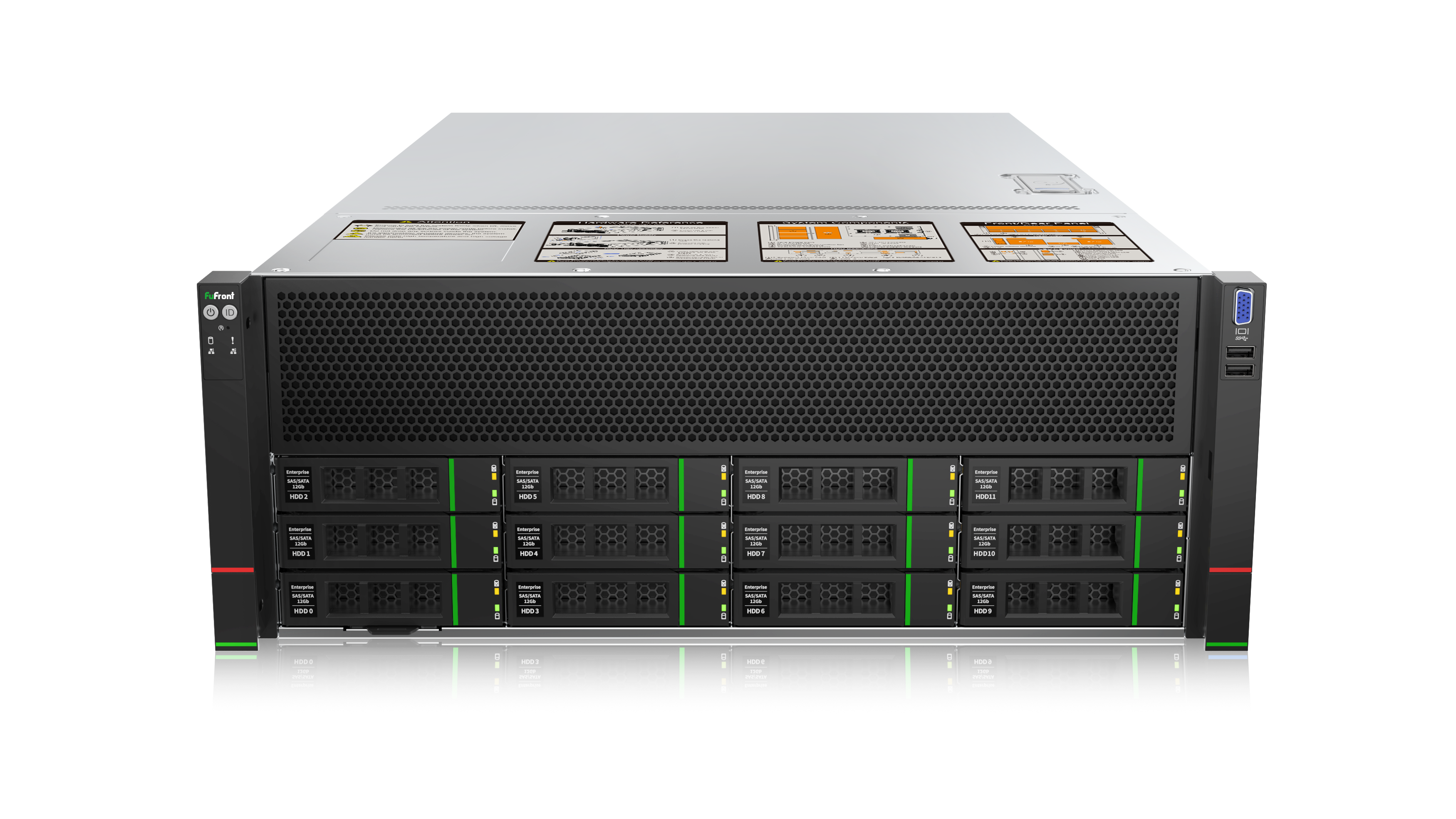
32B Module Plan
Suitable for SME AI model development and testing, supports various open-source model training and fine-tuning.
70B Module Plan
Enterprise-grade AI training platform, supports large-scale model training and commercial application deployment.
671B Module Plan
Top-tier AI training server, suitable for large language model research and commercial-grade AI applications.
Performance Comparison
Understand how TOPS performance metrics and GPU configuration affect AI training performance
What is TOPS?
TOPS (Tera Operations Per Second) TOPS (Tera Operations Per Second) is a key metric for measuring AI accelerator performance, representing trillions of operations executed per second.
Higher TOPS means faster model training speed and the ability to handle more complex AI tasks.
Performance Impact Factors:
- GPU quantity and model
- Memory bandwidth and capacity
- Cooling system performance
Select Server
Training Speed
Processing speed for model training and fine-tuning
Suitable Model Size
Maximum model parameters that can be processed
Energy Efficiency
AI computing performance per watt of power
Hardware Showcase
Deep dive into our AI server physical configuration and installation process
Server Installation
Professional data center environment ensuring optimal cooling and performance
Back Panel Configuration
Complete port configuration supporting various enterprise-level application needs
Performance Monitoring
Real-time system status monitoring ensuring optimal operational performance
Frequently Asked Questions
Common questions about AI server deployment and usage
Still have questions? Our technical team is always ready to serve you
Delivery Process
Complete delivery process from specification confirmation to ready-to-use
Specification Confirmation
Select model size and training requirements, choose corresponding server plan
Install AI Platform & Pre-loaded Models
Built-in FuFront platform with pre-installed SD, ChatGLM, Whisper and other modules
Testing Complete & Shipment
Hardware testing completed, direct delivery
Ready-to-Use & Autonomous Training
Login immediately after power-on, start model training and management
Consult Deployment Plan Now
Our technical team will provide you with complete deployment planning and technical support